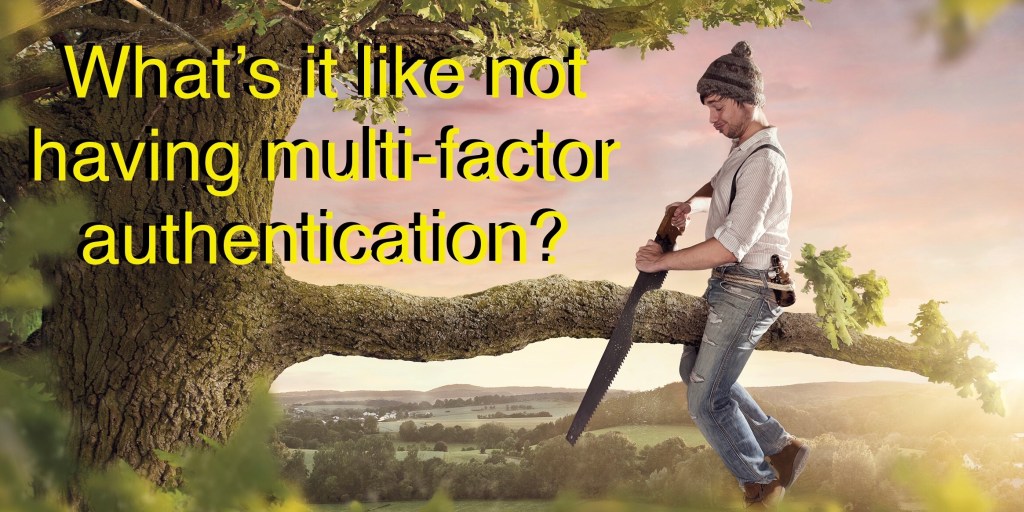
Two-factor (2FA) and multi-factor authentication (MFA) have been with us for quite a while now (2FA was introduced back in the 80’s) yet it is frightening how many businesses do not utilize it as part of their access management strategy. Like all security controls, MFA can be defeated by an industrious hacker, but the alternative of not utilizing MFA is far riskier.
In simple terms, 2FA is the practice of using one additional authentication elements to compliment traditional authentication elements such as user ID and password. MFA is the practice of using multiple elements to authenticate users. 2FA and MFA may include, but are not limited to the use of tokens, certificates, MAC or IMEI and other factors in the user’s possession to authenticate the user trying to access your company’s network and systems.
The level of effort and cost of implementing either 2FA or MFA are small compared to many other alternative security controls. This defense mechanism has proven to be successful in providing an additional layer of protection against account takeovers (ATO) and other malicious activity. 2FA and MFA rely on two or more forms of authentication: something you know and something you have with you (e.g. your mobile device). This defense mechanism is more difficult for hackers to defeat due to the higher difficulty level of the attack vector it presents. Most MFA solutions today are reasonably user friendly, requiring the user to take a few simple steps when logging in to achieve a more reliable level of authentication.
If your business is not currently utilizing 2FA or MFA, you should seriously consider adding it to your existing cyber defense capabilities. At a minimum 2FA or MFA should be utilized for user accounts with elevated privileges to your company’s critical assets. 2FA and/or MFA should be added to our company cyber defense strategy and your company should have clear policies and procedures for the proper use of 2FA/MFA to protect mission critical assets.
There are many good sources of additional information available such as this one from our friends at MSFT:
https://www.microsoft.com/en-us/security/business/identity/mfa
 Beerleagueringer.com